1.1 Getting Started
Welcome to Remote Manager Cloud service. This cloud service platform can help you to manage Novo products remotely. Including hardware control, remote snapshot, remote control, app & firmware deployment.
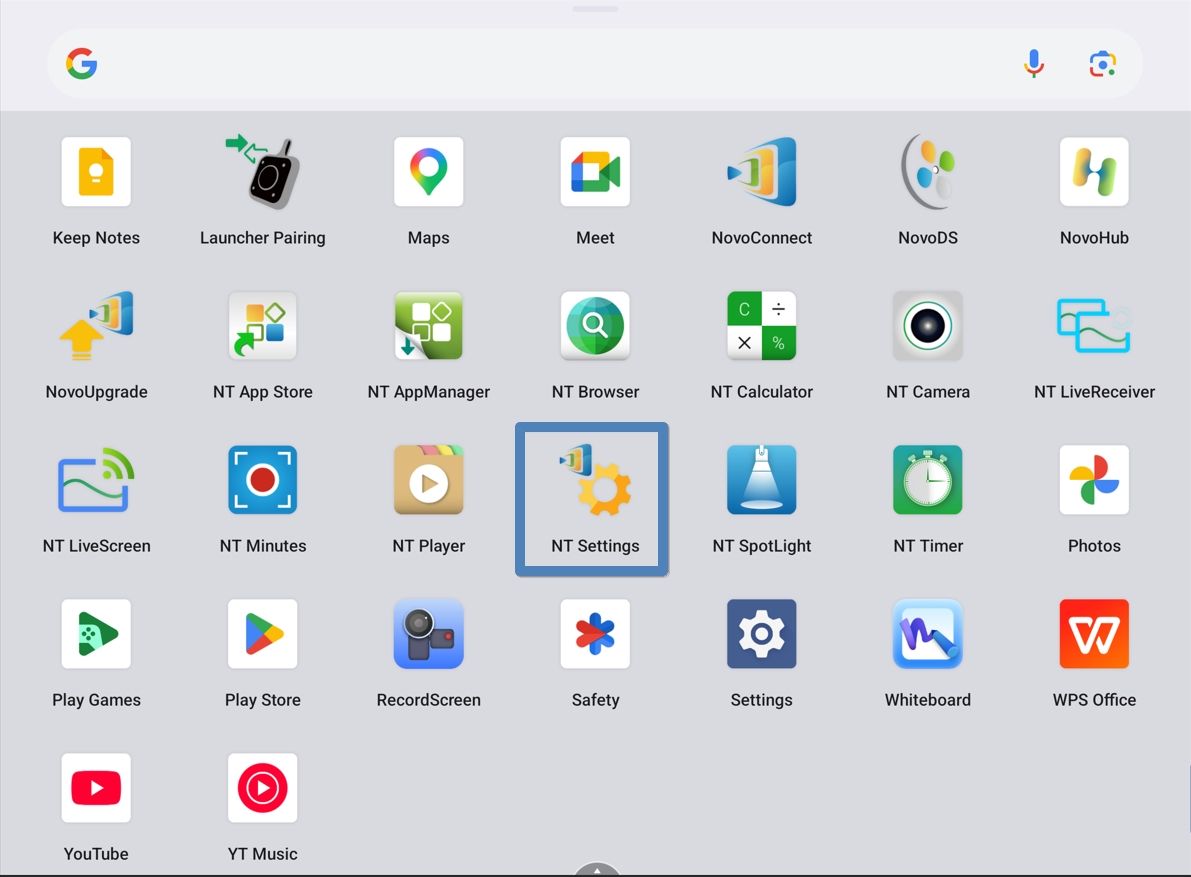
Step 1: Go to the Apps Menu, then click the NT Settings app to enter the settings page.
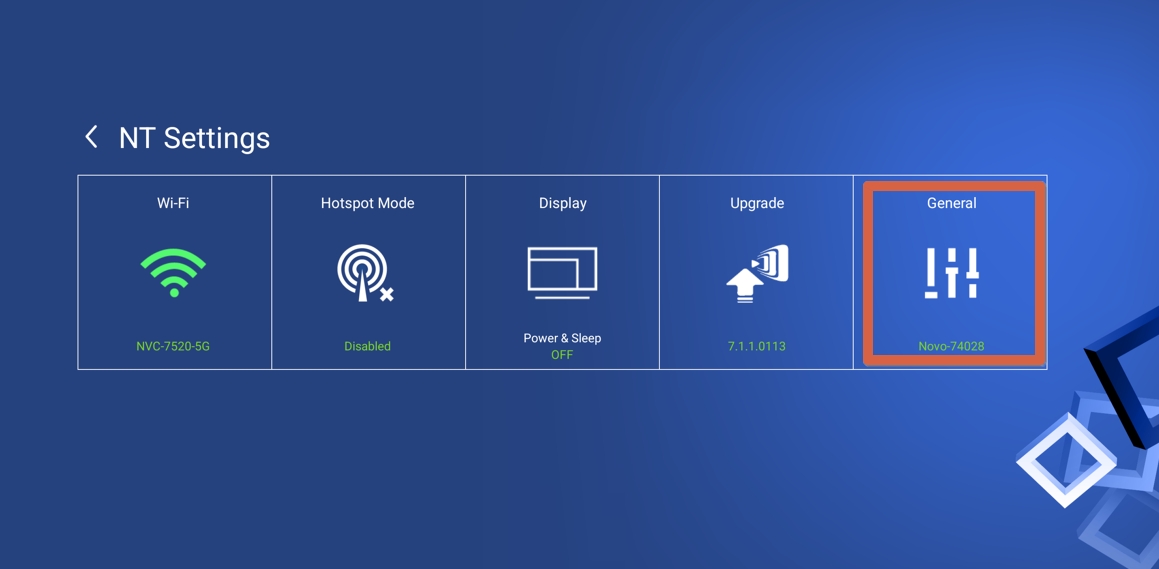
Step 2: On the settings page, click General to access more settings.
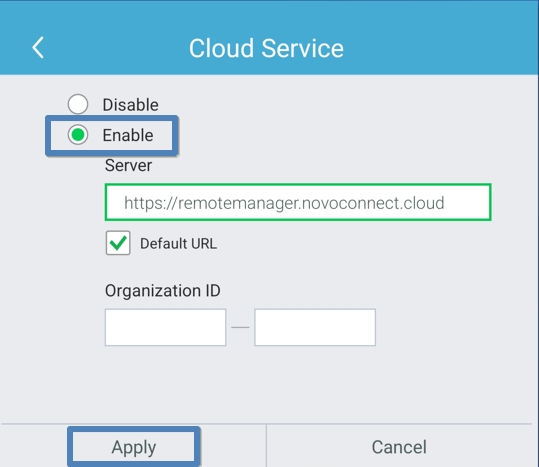
Step 3: Click the button to the right of Cloud Service to enter the configuration menu.
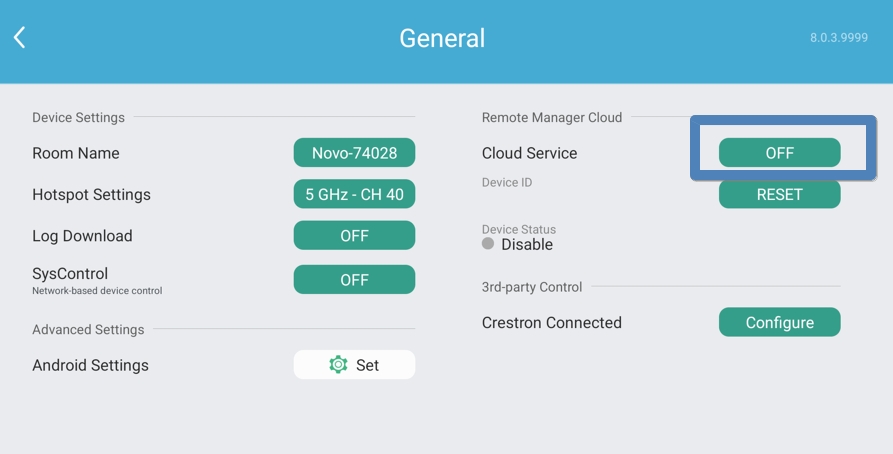
Step 4: Select Enable, then click Apply to activate the cloud service.
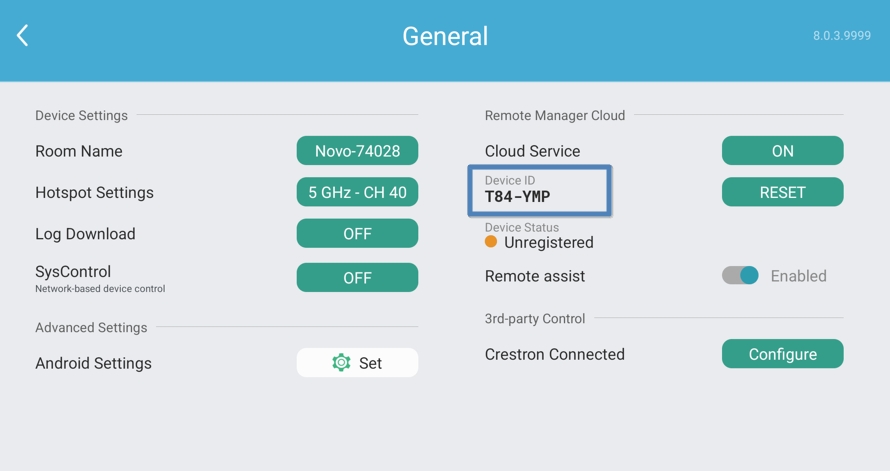
Step 5: Once the cloud service is enabled, a Device ID will appear on the page. Use this Device ID to register your product on the Remote Manager Cloud.