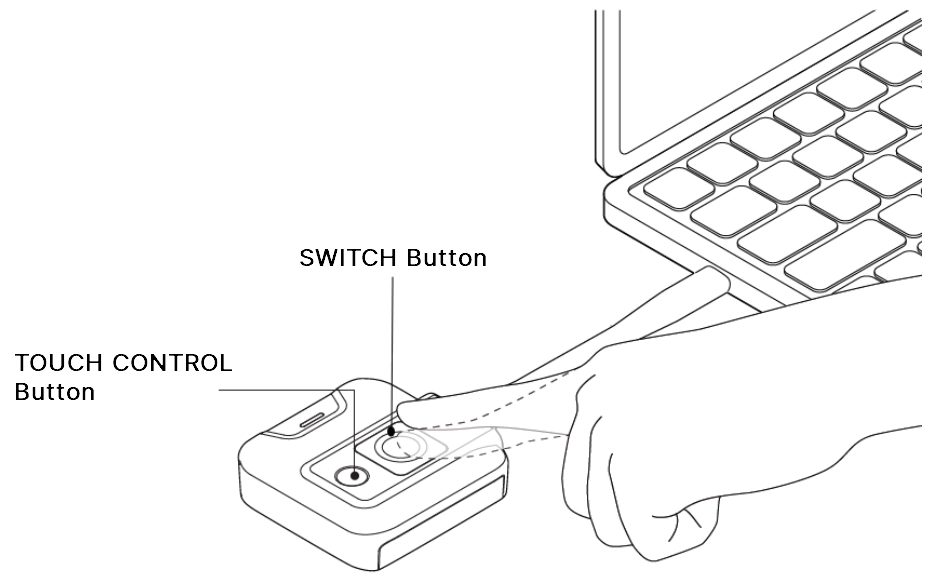
3.1.2 Control Buttons Switch button Press the SWITCH button to switch between full screen and split screen. Touch Control button Enables or disables the touchback function. Print Updated on 2026-10-08 Tagged: Display SettingsGeneral SettingsNovoConnect X700NovoConnect X900NT SettingsOnline UpgradeWi-Fi Settings