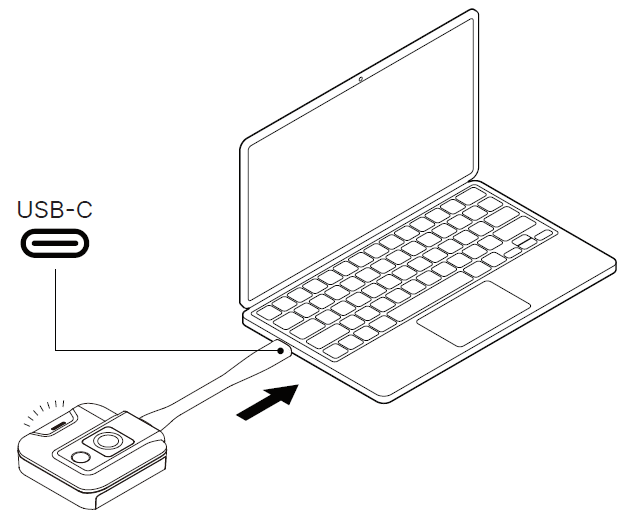
3.1.1 Start Screen Projection: Plug a LauncherPlus into the PC’s USB-C port. The LauncherPlus will automatically connect to the paired Novo device, and once the connection is established, it will automatically project your screen, and the LED indicator will turn light blue. Print Updated on 2026-10-08 Tagged: Display SettingsGeneral SettingsNovoConnect X700NovoConnect X900NT SettingsOnline UpgradeWi-Fi Settings